
AI without internet: what still works and what goes dark
Yes, AI can work without internet. Not all of it, but the kind that runs locally on your hardware does not need a connection to function. ChatGPT, Claude, and Gemini all require a live connection to reach their servers. The moment your Wi-Fi drops or the service is blocked, they stop. A local AI model running on your own machine keeps going, because nothing it needs lives outside your laptop.
That is the short answer. The longer answer is about which setup you actually have, what you lose without cloud access, and when building a local AI system is actually worth the setup cost.
What breaks when the internet goes down
Cloud AI tools are thin clients. The interface on your screen is essentially just a window into a remote server. When the connection dies, the window goes dark. There is no fallback, no cached model, no offline mode. ChatGPT cannot answer a single question without phoning home. Neither can Claude, Perplexity, or any of the major assistant APIs.
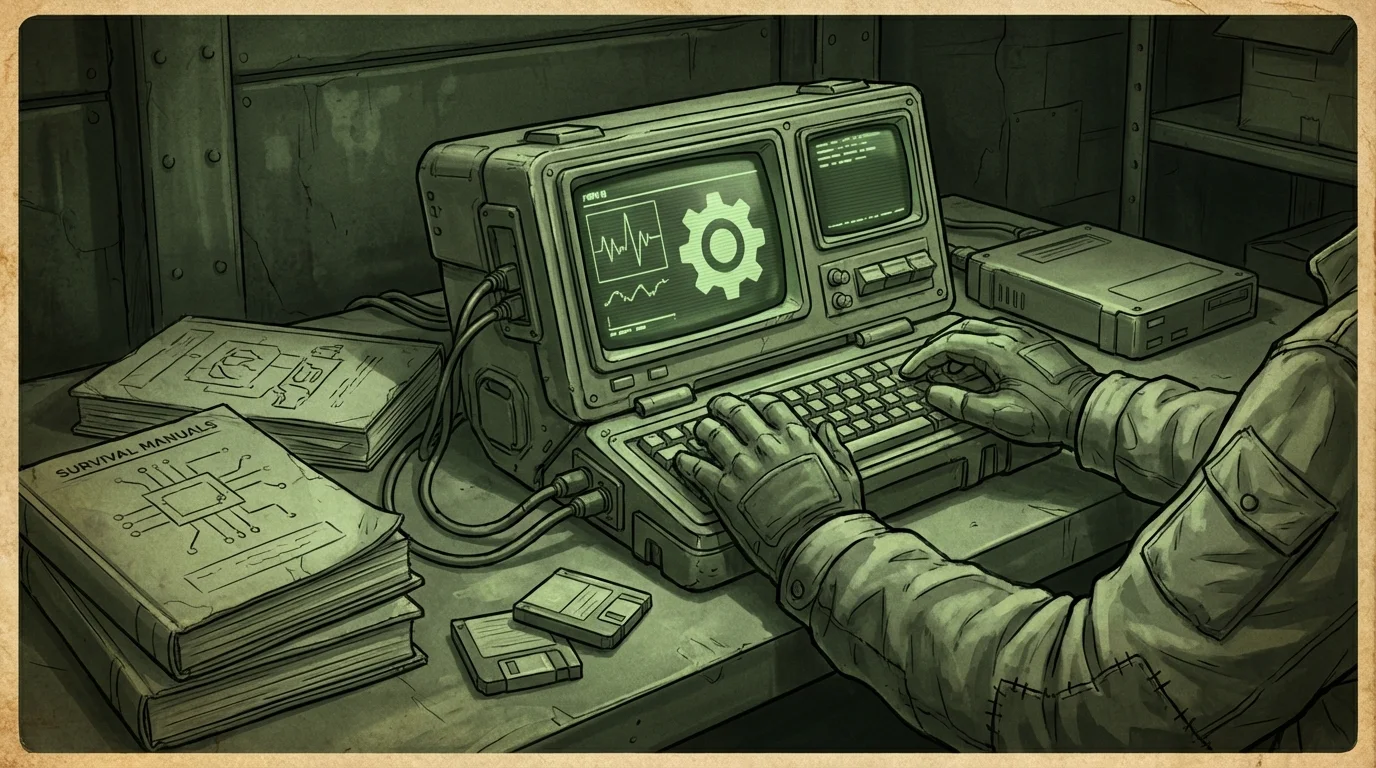
This matters more than most people realize until it happens at a bad time. Extended power and internet outages from storms can last days. Rural internet is notoriously unreliable. Travelers deal with throttled hotel Wi-Fi or international restrictions. If you are somewhere with active censorship, the service may be technically reachable but blocked at the network level.
If your AI tool stops working the second Wi-Fi dies, it is not really yours. You are renting access to someone else's hardware and hoping it stays on.
Cloud tools also break in softer ways: rate limits that kill productivity mid-task, price changes that lock you out of features, or policy shifts that restrict what kinds of questions get answered. None of these apply to a model running locally.

What still works with a local AI setup
A local large language model does not touch the network at runtime. It runs from weights stored on your drive. You load it, you ask it things, it responds. No API call, no authentication, no dependency on uptime somewhere in Northern Virginia.
What you get with a properly configured local AI setup:
- Text generation, summarization, and reasoning from the model itself
- Document analysis if you feed it your own files
- Retrieval from a local knowledge base if you have one built
- Code assistance, writing help, and Q&A against your stored documents
- Full operation during outages, travel, censorship events, or just when you are on a plane
What you do not automatically get is real-time information. A local model has a training cutoff. It does not know about events after that date. If you want current information, you need to bring it in yourself. That is where offline knowledge bundles matter, which is something we will get to in a moment.
How a local AI setup actually differs from ChatGPT
The technical gap is real, but it is smaller than most people expect. The user experience gap is also real and worth being honest about.
| Feature | Cloud AI (ChatGPT/Claude) | Local AI |
|---|---|---|
| Works without internet | No | Yes |
| Response speed | Fast on good connection | Depends on your hardware |
| Model quality | High (large frontier models) | Good to very good on modern hardware |
| Privacy | Data sent to provider | Stays on your machine |
| Real-time info | Yes | No, unless you add a local library |
| Cost | Subscription or per-token | One-time setup |
| Setup effort | Zero | Moderate |
The honest tradeoff: cloud models are currently more capable at the frontier end. GPT-4-class models are large. They require expensive GPU clusters to run at speed, which is why companies charge for access. Local models have gotten significantly better over the past two years, but a model you can run on a consumer laptop will not match the raw capability of a frontier cloud model.
That said, for most practical tasks, local models are more than sufficient. Writing assistance, document summarization, answering questions from a local library, coding help. The gap matters less than people assume once they actually run a local model for a day.
For a deeper breakdown of what the offline experience looks like in practice, see the Wisdoom field notes.
The storage and hardware reality
Running AI without internet means you need to store the model locally. That takes space and compute. Here is a rough breakdown:
Small models (3B-7B parameters)
- Storage: 2-6 GB
- Hardware: Runs on most modern laptops with 8 GB RAM
- Speed: Reasonable on CPU, better with a GPU
- Use case: Basic Q&A, writing assistance, document chat
Mid-range models (13B-34B parameters)
- Storage: 8-20 GB
- Hardware: Benefits from 16+ GB RAM, discrete GPU helps significantly
- Speed: Slower on CPU-only setups
- Use case: More complex reasoning, longer documents
Larger local models (70B+)
- Storage: 40+ GB
- Hardware: Requires serious GPU or Apple Silicon with unified memory
- Speed: Usable on M-series Macs, slow on older CPUs
- Use case: Best local quality, still not frontier-model territory
Apple Silicon machines handle local models unusually well because the CPU and GPU share memory. A MacBook Pro with 32 or 64 GB unified memory can run surprisingly capable models. Windows machines with dedicated Nvidia GPUs are also solid. Pure CPU inference on a standard Intel laptop is slow but functional for lighter models.
For more detail on storage decisions, the post on how much storage offline AI needs covers the specifics.
The offline knowledge problem and how to solve it
Running a local model answers the "inference without internet" problem. It does not solve the "my model does not know anything after its training cutoff" problem.
A model trained 18 months ago does not know about recent events, new software releases, or anything that happened since its data was collected. For general knowledge, historical questions, reference material, and stable technical topics, this usually does not matter. For current events, it matters a lot.
The solution is a local knowledge library paired with retrieval. The idea is simple: you store documents, articles, or curated reference material on your drive, and the AI searches that material before generating an answer. This is called retrieval-augmented generation, or RAG. Instead of the model trying to recall a fact from training, it looks it up from your local files and cites the source.
For a local offline setup, this means:
- Storing offline Wikipedia snapshots (Kiwix makes this possible with downloads under 90 GB for a full English snapshot)
- Adding your own documents, manuals, or reference PDFs
- Building a searchable vault the model can query
Done well, this setup gives you a local AI that can cite sources from real documents instead of hallucinating. That distinction matters for anything you plan to actually act on.
Wisdoom is built around exactly this model: local AI plus a managed offline vault with citations, so you can check where the answer came from rather than just hoping the model got it right.
When a local AI setup is actually worth it
Not everyone needs offline AI. If you have reliable internet, care nothing about privacy, and are happy with cloud subscriptions, the local setup cost is not obviously worth it for you.
It starts making sense when:
You deal with unreliable connectivity. Rural users, frequent travelers, field workers, and anyone on satellite internet with high latency all benefit from having AI that does not depend on a connection.
Privacy matters for your documents. If you are feeding the AI sensitive business documents, medical records, legal material, or anything you would not want uploaded to a third-party server, a local model is the only safe option. Cloud tools almost universally send your input to their servers for processing.
You want censorship resistance. Some topics are restricted by cloud AI providers. Some services are blocked by network filtering. A local model running on your hardware does not participate in either of those systems.
You are planning for outages. Extended grid or internet outages are rare but they happen. If your work or household depends on having access to reference information during a disruption, building a local AI system now is much easier than building one during the crisis.
You are tired of subscriptions. Local models are one-time setups. You pay for the hardware and take the storage hit. After that, there is no monthly fee and no usage cap.
The offline AI app comparison post goes through the options if you are trying to decide between tools.
FAQ
Can I use ChatGPT offline? No. ChatGPT requires a live internet connection to function. It sends your input to OpenAI servers, generates a response there, and streams it back to your browser or app. Without a connection, it does not work at all. There is no offline mode.
What local AI models run on a normal laptop? Llama 3, Mistral, Gemma 2, and Phi-3 are all capable models that run on consumer hardware. The 7B parameter versions of most of these will run on a laptop with 8-16 GB of RAM, though they are slower on CPU-only machines. Tools like Ollama or LM Studio handle the installation side without requiring command-line work.
Does a local AI model know current information? No, not by default. Local models have a training cutoff and do not know about events after that date. To get current or specific information into a local AI, you need to feed it documents or build a local knowledge library with retrieval. Some setups use offline Wikipedia snapshots or curated document vaults for this purpose.
How much storage does offline AI take? A usable small model takes 2-6 GB. A solid mid-range model takes 8-20 GB. If you add an offline Wikipedia snapshot via Kiwix, that adds up to 90 GB depending on which version you choose. A practical offline AI setup with a reasonable knowledge library should budget 50-150 GB of storage.
Is a local AI as good as ChatGPT? For most everyday tasks, it is close enough to be genuinely useful. For frontier-level reasoning on complex tasks, cloud models still have an edge because they run on much larger hardware. The gap has narrowed significantly. What local AI gives you in return is privacy, offline access, and no subscription.
Can local AI cite its sources? Not by default from the model alone. A base local model generates text from its training weights and may hallucinate citations. Retrieval-augmented setups, where the AI pulls answers from real local documents, can provide actual citations because the source material is right there. This is a meaningful difference for anything you plan to rely on.
Start with a working setup, not a wishlist
The hardest part of offline AI is not understanding how it works. It is actually building a setup that functions when you need it instead of sitting half-assembled on a drive somewhere.
Wisdoom is designed to make that practical. It handles the model setup, manages a local offline vault, and surfaces citations so answers are traceable. It runs on macOS, Windows, and Linux. You do not need a homelab background to get it working.
If you want AI that keeps working when the internet does not, Wisdoom is a reasonable place to start.