How much storage does offline AI need?
The short answer: plan for at least 10-20 GB to get something functional, and 50-100 GB if you want a model plus a serious offline library. The exact number depends on which model you run, how many documents you want searchable, and whether you care about having Wikipedia on your laptop.
Here is what actually takes up space, and how to think through the tradeoffs before you start downloading.
---
The two things eating your storage
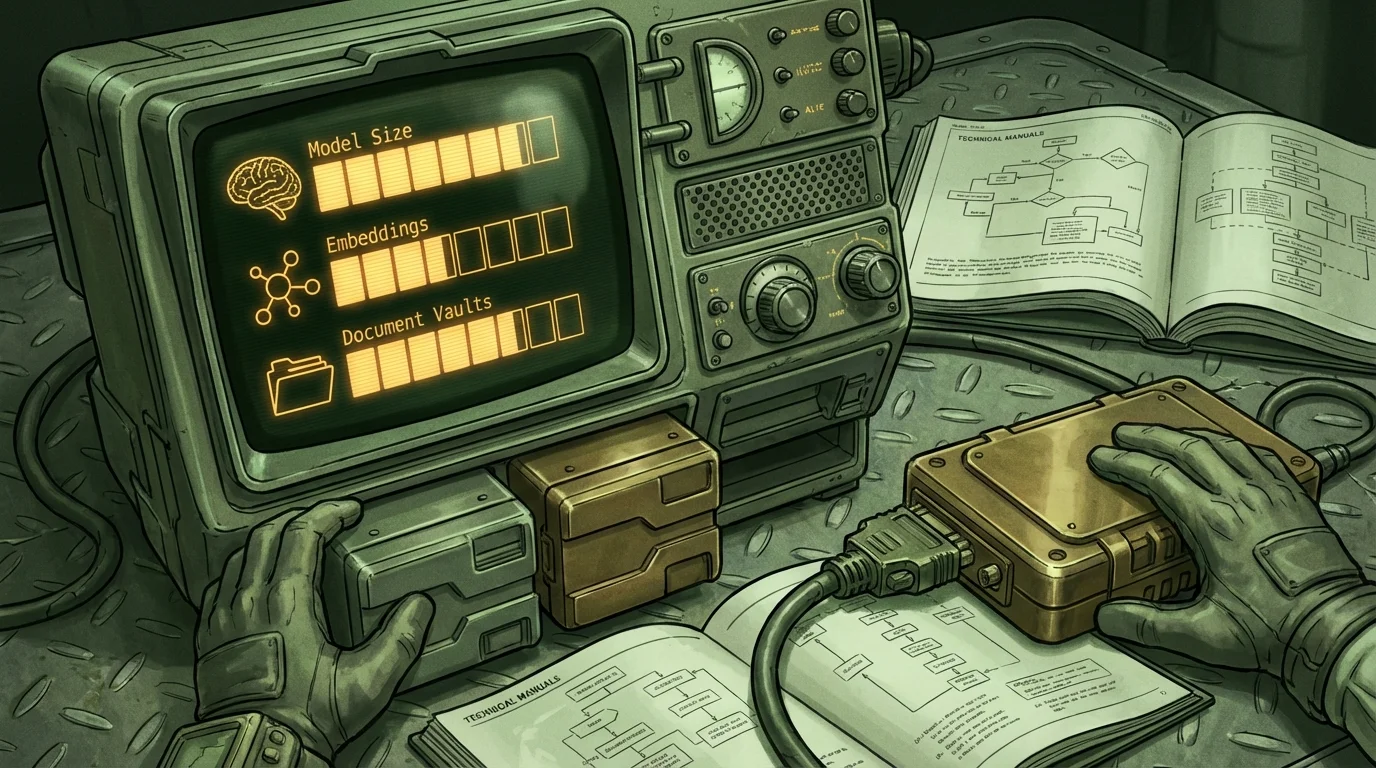
When people ask how much storage offline AI needs, they usually imagine one big model file sitting on a drive. That is half the picture. There are really two storage problems stacked on top of each other.
The model. This is the AI itself. A quantized 7-billion-parameter model, which is a reasonable size for a laptop, typically runs between 4 GB and 8 GB depending on how it was compressed. Smaller models like 1B-3B parameters can squeeze into 1-2 GB. Larger ones like 13B or 70B get into 8-40+ GB territory and generally require more RAM than most consumer laptops have anyway.
The knowledge library. This is where it gets interesting and where local AI diverges from cloud AI. A model by itself only knows what it was trained on, up to some cutoff date. If you want it to actually answer questions using specific documents, a reference library, or offline Wikipedia, you need a separate collection of text that the model can search through. That collection takes up its own space, separate from the model.
Both of these matter. Running a model without any reference library is like having a smart person in a room with no books. They can reason, but they cannot look anything up.
---
Model file sizes, broken down realistically
Here is a practical breakdown of common local model sizes by parameter count. These numbers assume 4-bit quantization, which is the standard compression format for running models on consumer hardware.
| Model size | Typical file size | What hardware you need |
|---|---|---|
| 1B-3B params | 1-2 GB | Any modern laptop |
| 7B params | 4-5 GB | 8 GB RAM minimum |
| 13B params | 7-9 GB | 16 GB RAM recommended |
| 34B params | 18-22 GB | 32+ GB RAM, often GPU |
| 70B params | 35-45 GB | High-end workstation |
For most laptop users, a 7B model is the practical ceiling. It fits in RAM, runs at a usable speed, and does not require a dedicated GPU. The quality gap between a well-tuned 7B and a 13B model exists but is often smaller than the hardware gap.
You can read more about realistic hardware expectations and offline setup options at Wisdoom, or check the Field Notes blog for deeper dives into specific tradeoffs.
---
What embeddings and RAG add to the total
If you want your local AI to actually search through documents and cite sources, you need a retrieval system. The technical term is RAG, short for retrieval-augmented generation. The way it works: your documents get converted into a mathematical representation called embeddings, stored in a local vector database, and searched at query time so the model knows which chunk of text to read before answering.
This adds storage in two ways.
First, the original documents themselves. PDFs, text files, exported notes, and reference books all take space. A few hundred PDFs might add up to 500 MB to 2 GB depending on how image-heavy they are.
Second, the embeddings database. This is usually smaller than people expect. A vector index for a few thousand documents typically runs 500 MB to 2 GB. Indexing something like a compressed offline Wikipedia dump produces a larger index, but still usually under 10 GB.
The embedding model that does the conversion is also a separate file. A decent embedding model like nomic-embed-text or similar runs around 250-500 MB. Small enough to not worry about.
So a complete local RAG setup might look like:
- 7B language model: 5 GB
- Embedding model: 400 MB
- Document collection: 1-3 GB
- Vector index: 1-2 GB
- Total: roughly 8-10 GB
That is a working local AI with retrieval that can cite sources. Not a toy.
---
How much storage does offline AI need for a real knowledge library?
This is where numbers get more interesting for people who want actual resilience, not just a demo.
A plain text export of English Wikipedia runs around 21 GB uncompressed. As a more compressed, AI-friendly version, you can often get that down to 15-18 GB. If you index it for retrieval, add another 5-8 GB for the vector database. So Wikipedia-grade coverage costs you roughly 20-25 GB of space on top of your model.
That sounds like a lot, but a 1 TB SSD costs around $60 at retail. Storage is cheap. The question is really about what is worth having offline.
Practical bundle sizes for different use cases:
| Use case | Estimated storage |
|---|---|
| Minimal: model only, no library | 5-8 GB |
| Basic: model plus personal documents | 10-15 GB |
| Solid: model plus curated reference library | 20-40 GB |
| Comprehensive: model plus Wikipedia-scale vault | 50-80 GB |
| Obsessive: multiple models plus full archives | 150 GB+ |
Most people land somewhere in the 20-50 GB range once they actually set things up and add content they care about.
---
What to prioritize when storage is limited
If you are working with a laptop that has 256 GB of storage and is already half-full, you cannot just throw everything on there. Here is how to think about what actually matters.
Prioritize the model first. Without a model, nothing runs. Pick one that fits your RAM with some headroom. For 8 GB RAM, that means a quantized 7B or a smaller 3B model.
Prioritize your actual documents over big reference dumps. Offline Wikipedia is impressive in theory. But if you are a nurse, a mechanic, or a homesteader, a curated collection of relevant manuals, guides, and references in your field is worth more than 20 GB of general coverage. Index what you will actually search.
Compress your library before indexing. Plain text formats index more efficiently than PDFs. If you can export documents to markdown or plain text before adding them to a vault, the index will be leaner and faster to search.
Skip redundant models. It is tempting to download several models for comparison. Resist this during the setup phase. One solid 7B model and a small embedding model will cover most use cases. You can always swap later.
Leave headroom for the operating system. Local AI tools, especially ones running models in memory, can be disk-write heavy during inference and indexing. Running a drive above 90% full causes problems.
Wisdoom is designed to handle this tradeoff sensibly. The offline AI app at wisdoom.com manages model storage and vault indexing so you are not manually juggling file paths and database configs.
---
Offline AI storage on different hardware tiers
Not every laptop is the same. Here is how storage considerations shift depending on what you are working with.
Base tier (128-256 GB SSD, 8 GB RAM). You have room for one model and a modest document library. Keep your vault focused. Avoid large Wikipedia-style dumps unless you prune aggressively. This setup works but requires discipline about what you actually index.
Mid tier (512 GB SSD, 16 GB RAM). Comfortable. You can run a 7B model, a full embedding stack, a personal document library, and a curated subject reference without breaking a sweat. This is where most laptop users want to be for a functional offline AI setup.
Upper tier (1 TB+ SSD, 32+ GB RAM). Room to breathe. You can run larger models, maintain multiple subject vaults, include broad reference archives, and not worry about storage budgets. Also where you start exploring 13B models if speed matters less than response quality.
For preppers or people building setups intended to hold up during extended outages, the upper tier is worth the investment. A comprehensive offline knowledge base takes real space to do properly.
---
Common mistakes people make with offline AI storage
Downloading the wrong model format. Some model files are full-precision (FP16 or FP32) and take two to four times the storage of a quantized version with similar quality. Always check whether you are downloading a GGUF quantized file or a full-weight version.
Forgetting about RAM as a storage constraint. If your model file is bigger than your available RAM, it will either refuse to load or run so slowly it becomes useless. Storage and RAM are both part of the same constraint. A 10 GB model on a laptop with 8 GB of RAM is not going to work.
Indexing everything instead of the useful stuff. A 30 GB folder of random PDFs produces a giant, slow, noisy index. Retrieval quality goes down, not up, when you add irrelevant documents. Curate first, then index.
Not accounting for model updates. If you update models over time, you may end up with old versions sitting on disk. Clean up old model files. They are not small.
Using spinning hard drives. Local AI inference reads model files constantly during operation. A mechanical hard drive is too slow for a usable experience. SSDs are not optional here. Even a cheap SATA SSD is vastly better than a spinning drive.
---
FAQ: offline AI storage questions
Can I run offline AI on a laptop with only 8 GB of RAM? Yes, but you are limited to quantized models in the 3B-7B parameter range. A good 7B model at 4-bit quantization uses roughly 5-6 GB of RAM, leaving some headroom for the OS. Smaller 1-3B models run more comfortably. Do not try to load a 13B model with 8 GB RAM.
How much storage does a local Wikipedia setup take? A compressed, AI-ready version of English Wikipedia runs around 15-20 GB. The retrieval index for it adds another 5-8 GB. Budget 25 GB total for Wikipedia-level coverage. Some curated Wikipedia subsets focused on specific topics are much smaller.
Does the vector database need to stay on an SSD? Yes, for anything resembling a useful response time. The retrieval system reads from the vector index constantly during queries. A mechanical drive will produce multi-second delays per search. An SSD, even a budget one, keeps things fast.
Can I use an external SSD for the model and library? Yes, and this is actually a reasonable strategy for people with limited internal storage. A USB 3.1 or Thunderbolt external SSD works fine. Avoid USB 2.0 drives, which are too slow. Offline AI for internet outage planning often involves external storage as part of the setup.
What is the smallest workable offline AI setup? A quantized 3B model (around 2 GB), a small embedding model (400 MB), and a tight document collection (1-2 GB) can fit under 5 GB total. Response quality is limited but functional. Good for constrained hardware or as a starting point before expanding.
Do I need to store embeddings if I just want the model to answer general questions? No. If you are not using retrieval, you do not need an embedding model or a vector database. The language model alone can answer general questions from its training knowledge. You only need the full RAG stack when you want it to answer from specific documents or a local library.
---
Getting your storage right before you start
The biggest mistake is treating offline AI storage as an afterthought. Most people download a model, run out of room, delete things, and start over. It is more efficient to decide upfront what you are actually building.
If you want a personal assistant that works without internet and can search your own documents, 20-30 GB of dedicated space on a modern laptop is realistic and manageable. If you want something closer to a self-contained reference system with broad coverage, budget 50-80 GB and use a mid-tier or upper-tier machine.
Wisdoom handles the model management, the vault indexing, and the retrieval layer in one place, so you are not manually stitching together model runners, vector databases, and document parsers. If you are building this for the first time and want something that actually works without a week of setup, start at wisdoom.com and see what fits your hardware.
Storage is the easy part. Having a setup that actually runs when you need it is the harder problem to solve.