How to build an offline knowledge base
Building an offline knowledge base with AI means collecting sources, breaking them into searchable pieces, generating embeddings, and storing everything locally so a model can retrieve and cite it without touching the internet. You can do this yourself with open-source tools, or you can use something like Wisdoom that ships with this pipeline already assembled. Either way, the concepts are the same. Here is how it actually works.
What goes into an offline knowledge base
Before you write a single line of config or click any buttons, you need to decide what you are building this for. That decision drives every other choice.
A general-purpose knowledge base might include an offline copy of Wikipedia, a collection of reference books, and some technical documentation. A prepper-focused vault might prioritize first aid guides, water filtration manuals, plant identification, and local maps. A homelab setup might be mostly internal wikis and API docs. A legal professional might want statutes, precedents, and annotated codes.
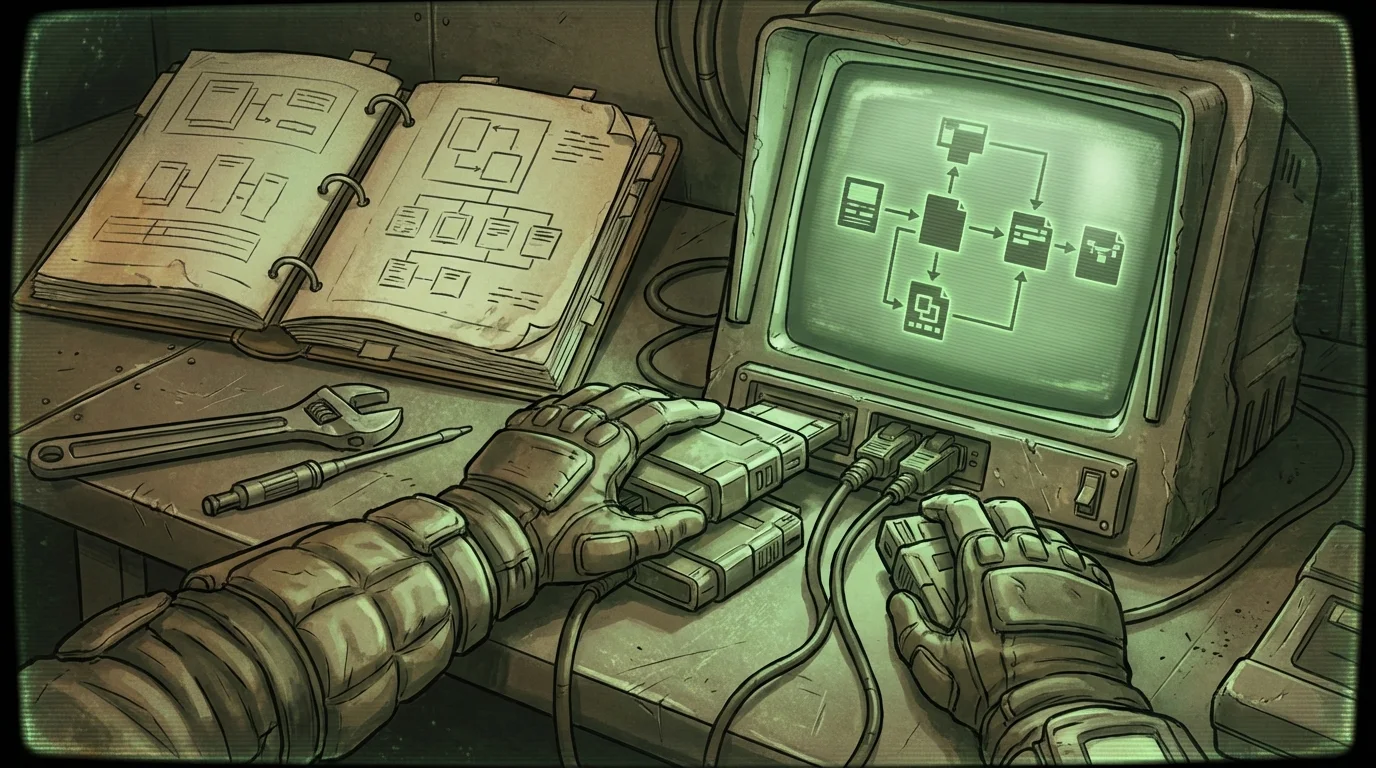
The scope question matters more than people expect. A 512 GB SSD can hold a lot, but it cannot hold everything. Trying to include everything usually produces a slow, noisy retrieval system where your model pulls irrelevant chunks constantly. A focused vault with 20 high-quality sources almost always beats a bloated one with 200 mediocre ones.
Start with a list of no more than 30 sources. You can expand later. If you find yourself unable to cut anything, that is a planning problem, not a sourcing problem.
Choosing your sources
Good sources share a few qualities: they are factually dense, well-structured, and stable. They should also be legally redistributable if you plan to share the vault with anyone else.
Some solid starting points:
- Wikipedia dumps. The Wikimedia Foundation publishes full database dumps regularly at dumps.wikimedia.org. The English Wikipedia compressed dump is around 22 GB. Processed into plain text and chunked, it becomes an extremely broad reference layer.
- Project Gutenberg. Tens of thousands of public domain books, free to download in plain text format. Good for historical, scientific, and literary reference.
- Standard Ebooks. Cleaner formatting than Gutenberg for many titles.
- Government publications. Public health agencies, FEMA, the CDC, and similar bodies publish plain-language guides that are in the public domain and genuinely useful offline.
- Your own documents. PDFs, notes, exported wikis, technical manuals you own. These are often the highest-value content because no one else has them.
Avoid scraping random websites unless you really know what you are doing. Web content is noisy, often duplicative, and the quality varies wildly. A retrieval system drowning in blog posts and forum threads will give you garbage answers.
For authoritative offline reference content, Project Gutenberg and Kiwix (which lets you download full offline versions of Wikipedia, Stack Exchange, and other sites in a compressed format) are the two most practical starting points.
How chunking works and why it matters
Once you have your sources in plain text or clean HTML, you need to break them into chunks. A chunk is just a piece of text small enough to pass into a model's context window as a retrieved excerpt. Typically somewhere between 200 and 800 tokens, depending on your model and retrieval strategy.
Why does chunk size matter? Two reasons.
First, embeddings are generated per chunk. An embedding is a numerical vector that represents the meaning of a piece of text. When you ask a question, your system converts the question into a vector too, then finds the chunks whose vectors are closest to it. This is how retrieval works. If your chunks are too large, one chunk might cover three different topics and the embedding gets muddied. If they are too small, a chunk might not contain enough context to be useful when retrieved.
Second, retrieved chunks get passed to your language model. Most local models have a context window between 4,000 and 32,000 tokens. If you retrieve 10 chunks at 800 tokens each, that is 8,000 tokens used just for retrieved context, before the question and answer. You need to fit everything in.
A reasonable starting point is 512 tokens per chunk with a 50-token overlap between adjacent chunks. The overlap prevents important information from getting cut off exactly at a boundary. Most text-splitting libraries have this built in.
For document types that have natural structure (manuals with sections, books with chapters), it is worth splitting along those boundaries first, then chunking within each section. This keeps thematically related content together.
Generating and storing embeddings
After chunking, you run each chunk through an embedding model to get its vector representation. Common choices for local use include nomic-embed-text and the various sentence-transformers models. These are separate from your chat model and are generally small, running well on CPU.
Each chunk produces a vector, usually 768 or 1536 numbers. You store that vector alongside the original chunk text and its source metadata (title, URL or file path, page number, section heading, and anything else useful for a citation).
The vector database is what makes retrieval fast. Popular options include:
| Option | Notes |
|---|---|
| ChromaDB | Easy to set up, good for local use |
| Qdrant | Fast, supports filtering by metadata |
| FAISS | Meta's library, very fast, less built-in tooling |
| SQLite with vector extensions | Simple, portable, no extra service required |
For a personal offline vault that will not grow beyond a few hundred thousand chunks, ChromaDB or SQLite with a vector extension is fine. You do not need a distributed database cluster for a laptop knowledge base.
Once your embeddings are generated, store everything in a single directory you can back up and move between machines. The whole vector database, chunk texts, and metadata should live together.
Retrieval and citations
When a user asks a question, the system converts the question into an embedding, searches the vector database for the closest matching chunks, and passes those chunks to the language model with the original text and source metadata attached.
The model then generates an answer using those retrieved chunks as grounding context. This is called RAG, retrieval-augmented generation. It is the difference between a model hallucinating an answer from its training weights and a model actually reading a document you gave it, then answering from that.
Citations come from the metadata. If a retrieved chunk came from a Wikipedia article titled "Water purification," the system can attach that as a source reference in the answer. If it came from page 47 of a first aid manual you loaded, that is the citation. The quality of your citations depends entirely on the quality of your metadata. This is a good argument for keeping meticulous source records when you build the vault.
A system without citations is harder to trust. You cannot tell whether the model retrieved something real or just confidently invented it. This is why Wisdoom's local vault approach prioritizes showing sources alongside answers, not as an afterthought.
Practical scope and honest tradeoffs
Here is what a realistic offline knowledge base looks like at different scales:
Small (10-30 GB storage used for vectors and sources) Focused topic set, fast retrieval, fits on any modern laptop. Good for a specific professional domain or a well-curated prepper reference. Setup time with a good tool: a few hours. Setup time doing it yourself from scratch: a weekend.
Medium (30-100 GB) Broad reference plus personal documents. English Wikipedia plus a few hundred books plus your own notes. Retrieval is still fast if your vector database is tuned. Start to notice chunking quality becoming important.
Large (100+ GB) Multi-domain, multi-language, or trying to include everything. Retrieval performance degrades if you have not done careful source curation. Embedding generation takes a long time upfront (days for very large corpora on CPU). Not for casual setup.
One tradeoff people underestimate: the embedding generation step is expensive upfront. For a few hundred documents, it takes minutes. For all of English Wikipedia, it takes many hours on a modern laptop CPU, or an hour or two on a GPU. You do it once, then retrieval is fast from there. But plan for that time.
Another honest limit: local models are smaller than cloud models. GPT-4 class reasoning is not what you get from a 7B parameter model running locally. The offline knowledge base compensates somewhat by giving the model high-quality relevant context to work from, but if the model is weak, even perfect retrieval will not save it. Choosing a capable local model matters. See the how to prepare a laptop for internet outages post for hardware context.
Storage sizing is covered in depth at how much storage does offline AI need if you want the full breakdown.
Building it yourself vs. using a tool
Building a local RAG system from scratch means picking a text splitter, an embedding model, a vector database, a chat model, a retrieval layer, and a UI. Then wiring them together. Then debugging why the retrieval returns nonsense for certain query types. Then realizing your chunking strategy is wrong for PDFs and doing it again.
That is a real project. It is a good project if you enjoy homelab work, want full control, or are building something custom. The open-source ecosystem for this has matured a lot. LangChain, LlamaIndex, and similar frameworks handle most of the pipeline logic.
If you want a working offline knowledge base without building the pipeline yourself, Wisdoom handles source ingestion, chunking, embedding, retrieval, and citation display in one desktop app for macOS, Windows, and Linux. The local models are managed, the vault is portable, and it runs fully offline. You add sources, it indexes them, and you start asking questions.
The relevant post on local RAG vs. fine-tuning explains why retrieval beats baking knowledge into model weights for this use case.
FAQ
How long does it take to build an offline knowledge base? With a tool that handles the pipeline, a few hours to a day depending on vault size. Wikipedia alone takes time to index. A smaller focused vault of personal documents and a few dozen books can be indexed in under an hour.
Do I need a GPU to run this? No. A modern laptop CPU with 16 GB of RAM handles embedding generation and local model inference at reasonable speeds. A GPU speeds things up significantly but is not required.
How do I keep the knowledge base updated? You re-index updated sources periodically. Wikipedia dumps are published regularly. For your own documents, you add and re-index as needed. Unlike a cloud service, nothing updates automatically. That is a tradeoff you accept.
Can I trust citations from a local RAG system? The citations are only as trustworthy as your sources. If you indexed accurate, well-maintained sources, citations point back to real content you can verify. If you indexed junk, citations are just pointers to junk. Source selection is the most important step.
What happens if I ask about something not in the vault? The model will either say it does not have relevant information (if the system is designed well and retrieval comes up empty), or it will fall back on its training weights and answer without grounding. A well-built system distinguishes between the two. Watch for answers that lack citations as a signal the model is working from training data alone.
Is this legal? Loading sources you own or that are in the public domain is fine. Scraping copyrighted content is not. Stick to Wikipedia dumps, Project Gutenberg, government publications, and your own documents and you will not have issues.
---
If you want an offline knowledge base that works without assembling the pipeline yourself, Wisdoom ships with local vault support, managed models, and citation display built in. The offline library is the product, not a demo feature.