
What offline AI actually means
Offline AI is an AI system that runs entirely on your own hardware, with no internet connection required after setup. No API calls to a remote server. No data leaving your machine. The model lives on your device, the knowledge library lives on your drive, and the whole thing keeps working whether your connection is great, throttled, surveilled, or completely gone.
That's it. That's the definition. Everything else is implementation details worth knowing.
The confusion comes from how most AI tools are marketed. When someone says "AI assistant," they usually mean a web app that sends your prompt to a data center, runs it through a large model on expensive GPUs, and streams the response back. That is cloud AI. It is fast and capable, and it stops working the moment you lose connectivity or the company decides to change the terms.
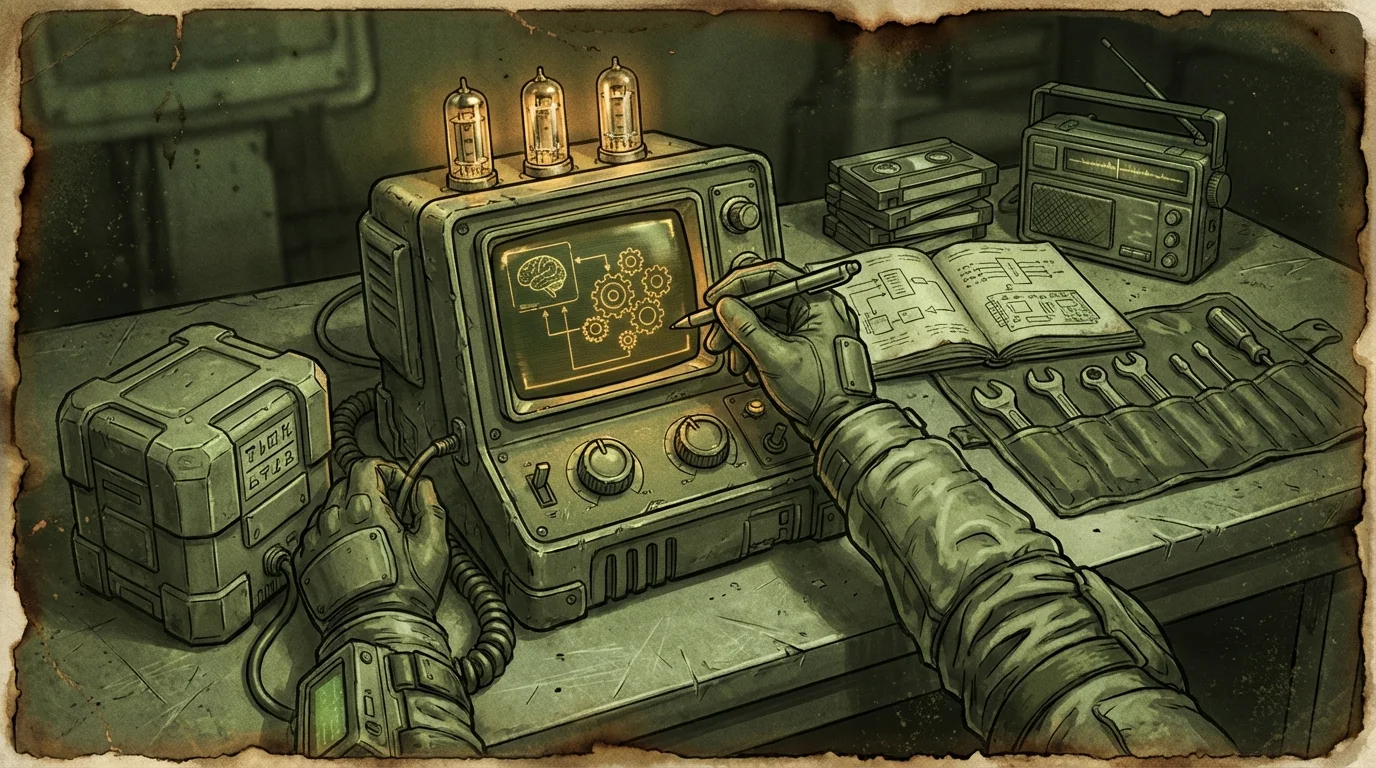
Offline AI inverts that dependency. The tradeoff is real: local models are smaller than frontier cloud models, setup takes actual effort, and storage adds up fast. But you get something you can rely on when the normal infrastructure is unavailable.
How a local model actually works
The AI part of offline AI is a large language model running on your local CPU or GPU. These models are trained the same way the big cloud ones are, on massive text datasets, with the goal of predicting useful next tokens given a prompt. The difference is scale and where the compute lives.
A model like Llama 3, Mistral, or Phi-3 can be quantized and compressed to run on a consumer laptop. Quantization reduces the numerical precision of the model weights, which cuts file size dramatically without destroying too much capability. A model that originally required data-center hardware can be compressed to run on 8-16 GB of RAM. It will be slower than GPT-4 and less capable on complex reasoning, but it answers questions, summarizes text, explains concepts, and holds a conversation without phoning home.
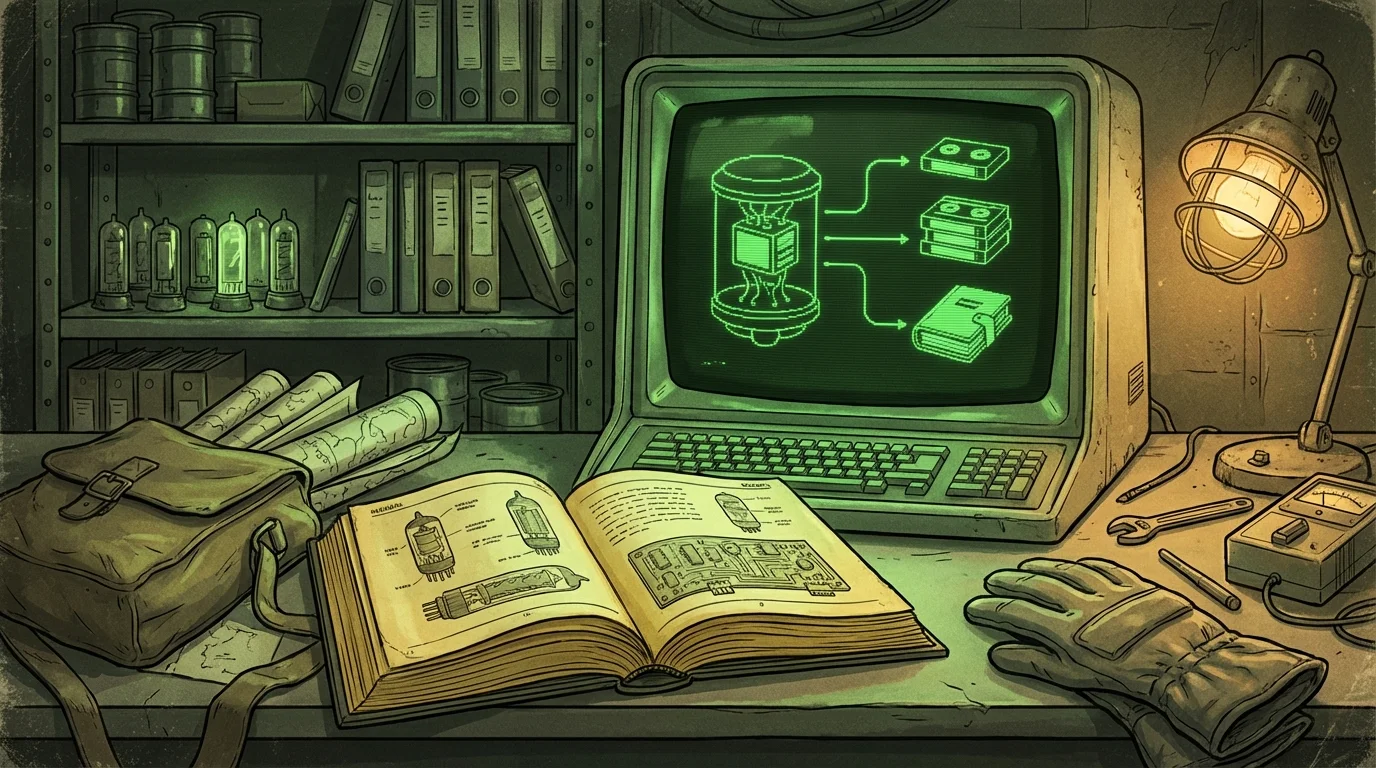
The model file itself is typically between 4 GB and 30 GB depending on parameter count and compression level. Once it is loaded, inference happens locally. Your prompt goes in, text comes out, nothing crosses the network.
This is what makes offline AI genuinely different from a cloud product with a "private" mode toggle. Private mode on a cloud tool usually means "we promise not to log your chats." Local inference means the data physically never leaves your machine, because there is no network request to intercept in the first place.
What a built-in knowledge library adds
A local model without a knowledge library is like a smart person who has been locked in a room since training ended. They know a lot of general things, but they have no access to specific sources, no way to cite anything, and no knowledge of anything that happened after their training cutoff.
Retrieval changes this. The system works by indexing a library of documents, creating searchable vector embeddings for chunks of text, and then pulling relevant chunks into the model's context window when you ask a question. This is retrieval-augmented generation, usually called RAG.
With a real offline knowledge library, a query like "what are the symptoms of organophosphate poisoning" does not rely on whatever the model half-remembers from training. The system retrieves the relevant passage from a trusted source, passes it to the model, and the model generates an answer grounded in that actual text. Ideally, it also tells you which document the answer came from, so you can verify it yourself.
That citation behavior matters more offline than it does online. When you are using ChatGPT with internet access, you can open a browser tab and check a claim in 10 seconds. When you are working offline in a cabin in December, the citation is the only way to verify anything. A system that can say "this answer came from [source name], page 47" is meaningfully different from one that just sounds confident.
The quality and coverage of the knowledge library determines what the system actually knows. A well-built library with good medical, mechanical, legal, and technical references is useful. A library with 12 random PDFs is not. Building that library properly is its own project.
Where offline AI is genuinely better than cloud tools
There are a few real scenarios where local beats cloud, not theoretically but in practice.
Connectivity is unavailable or unreliable. This is the obvious one. Storms, rural locations, travel through dead zones, internet outages, remote job sites, boats, and grid disruptions all make cloud AI unusable. A local system keeps running. Preparing a laptop specifically for outage conditions involves more than just the AI layer, but the AI piece should be part of that kit.
You need real privacy. Cloud AI services, regardless of their privacy policies, require your prompts to leave your machine. Legal questions, medical questions, business strategy, personal correspondence, proprietary documents. If you are not comfortable with those categories being transmitted to a third-party server, local inference is the only real answer. The data stays on your hardware by architecture, not by promise.
You want to work with your own documents without uploading them. Feeding a sensitive contract or internal report into a cloud AI means uploading that file to someone else's server. Local RAG lets you query your own document library without any of that. The documents stay on your drive.
You want consistent behavior without subscription drift. Cloud models get updated, restricted, or retired without notice. A local model you have downloaded and tested will behave the same way next month as it does today. No surprise policy changes, no sudden capability regressions from a silent update, no "this feature is now a paid tier" email.
Cost at scale. If you are running queries constantly throughout the day, API costs add up. Local inference has no per-query cost after hardware. That math gets interesting fast depending on how heavily you use it.
Where offline AI still falls short
This is where honest product writing earns its keep. Offline AI has real limits and pretending otherwise is how you end up disappointed.
The models are smaller and less capable. The most capable AI systems in the world run on thousands of GPUs in data centers. A consumer laptop runs a much smaller model. For many tasks, this does not matter much. For complex multi-step reasoning, writing long technical documents, or advanced code generation, you will notice the gap. The smaller models are genuinely good but they are not GPT-4 class.
Setup is not trivial. Getting a local model running, indexing a knowledge library, and having it all work together requires more than clicking a download button. It is not impossible, but it is not frictionless either. Finding the right offline AI app that handles the setup complexity for you is a reasonable strategy for most people.
Storage requirements are significant. A usable setup might need 10-40 GB for the model alone, plus storage for the knowledge library. How much storage offline AI actually needs depends on your library scope and model choice, but you will need a real SSD, not a 64 GB tablet.
Knowledge has a cutoff and gaps. Whatever is in the library is what the system knows. If you did not download it, it is not available. The model itself has a training cutoff date. For time-sensitive queries, a local system without real-time retrieval will be behind.
Cold start and inference speed vary. On older hardware or a CPU-only setup without a GPU, responses can be noticeably slow. Loading a large model into memory takes time. This improves with better hardware and smaller quantized models, but it is a real constraint if you are used to cloud response times.
Offline AI versus cloud AI: a direct comparison
| Factor | Cloud AI (ChatGPT, Claude, etc.) | Offline AI |
|---|---|---|
| Works without internet | No | Yes |
| Data privacy | Transmitted to server | Stays on device |
| Model capability | Very high (frontier models) | Moderate (consumer hardware limits) |
| Setup effort | Near zero (sign in and go) | Hours to days for full setup |
| Storage required | None local | 10-50+ GB |
| Ongoing cost | Subscription or API fees | Hardware only |
| Consistent behavior | Can change without notice | Stable after setup |
| Real-time information | Yes (with browse tools) | Only if manually updated |
| Citations from your docs | Limited | Core feature with RAG |
Neither column wins everywhere. Cloud AI is better for day-to-day casual use on a reliable connection. Offline AI is better when privacy, reliability, or offline access actually matter.
What Wisdoom does differently
Most local AI setups require you to assemble the pieces yourself: find and download a model, set up an inference engine, build a retrieval pipeline, index your documents, and hope it all works together. That is manageable if you enjoy homelab projects. It is a barrier for most people who just want useful answers from a local system.
Wisdoom handles the stack. It ships with a managed local model, a built-in knowledge vault with real source material, and retrieval that shows citations so you know where answers came from. It runs on macOS, Windows, and Linux. After setup, it works offline as the default state, not as a fallback mode.
The knowledge library is the part that takes the most work to get right, and it is the part most local AI tools skip entirely. A model that sounds confident without grounding is not that useful. A model that can point you to the specific passage it used is.
Frequently asked questions
Does offline AI require any internet connection at all? Setup typically requires an internet connection to download the model and knowledge bundles. After that, it should run without any connection. Some systems check for updates or phone home periodically. A properly designed offline AI app does not require connectivity after initial setup.
Can offline AI use my own documents? Yes, and this is one of the better use cases. With a local RAG setup, you can index your own PDFs, notes, and files, then query them through the AI interface. The documents stay on your machine. Nothing gets uploaded.
Is offline AI actually private? Local inference means your prompts and the model's responses never leave your hardware. That is meaningfully more private than cloud tools. The caveat is that the software itself might still have telemetry or logging unless you configure it off. Check what your specific tool does.
What hardware do I need? A modern laptop with 16 GB of RAM and a decent SSD can run smaller models usably. 32 GB RAM is more comfortable. A GPU with 8+ GB of VRAM speeds inference up significantly. You do not need purpose-built AI hardware, but older or underpowered machines will struggle.
How is offline AI different from just saving AI responses locally? Saving responses is just caching text. Offline AI means the actual inference happens on your hardware. No saved response cache can answer a new question you have not asked before.
What happens when the AI model is outdated? The model's training knowledge has a cutoff. For general concepts, this rarely matters. For recent events or fast-moving technical topics, you either need to update your library with newer documents or accept the limitation. This is a real constraint and not something to paper over.
---
If you are looking at offline AI because you want something that works when the internet does not, keeps your queries private, or gives you answers grounded in actual sources, the technology is genuinely useful now. Not perfect, not magic, but functional. Wisdoom is built to make that practical without requiring you to become a homelab engineer first. Start with the field notes if you want to go deeper on any part of the setup.